← Browse all speaker resources
All Things AI · Speaker resources
What Makes a Great Keynote Presentation?
Give the room an idea worth caring about—and a reason to carry it forward.
A keynote is an opportunity to give a roomful of people something they can think about together. What should they understand differently when you finish? What possibility will stay with them?
You don't need to imitate a famous speaker. Bring an idea you have earned through your work, and help us see why you care about it.
The quick answer
A strong keynote gives a broad audience a clear idea, a reason it matters, and a possibility they can act on. Build a coherent story, support important claims, make slides easy to follow, and rehearse for the time and room. Close with a next step people can picture themselves taking.
Talk examples from our archives
Watch these talks with a specific question in mind: what could you learn from the way the speaker connects an idea to the audience? The notes below offer starting points for your own preparation.

Give the audience a question worth following
The Death of the Browser
Rachel-Lee Nabors · All Things AI 2025
Rachel’s keynote puts a familiar part of daily life—the browser—at the center of a provocative question about the future. Start with the title, then consider how the talk develops the possibility it invites you to imagine.
Try this in your talk: As you watch, identify the question that draws you in, the explanation that helps you evaluate it, and the idea you want to explore afterward. Use that sequence to examine your own opening.

Make a technical possibility worth exploring
When AI Meets Quantum: Expanding the Boundaries of Machine Intelligence
whurley · All Things AI 2026
This keynote explores the convergence of quantum computing and AI. Use it as a viewing exercise in introducing an ambitious technical subject to a conference audience.
Try this in your talk: Listen for how the speaker establishes relevance, explains unfamiliar ideas, and invites the audience to consider what could come next. Where would someone new to your subject need that same help?
How is a keynote different from a breakout session?
A keynote commonly serves a broader audience and helps establish a shared theme. A breakout can go deeper into a narrower problem. Those are useful planning distinctions; the organizer’s brief defines the actual assignment.
Ask who will be in the room, what came before your session, and what the organizers hope people will discuss afterward. A technical audience may welcome technical depth. A mixed audience will need a common starting point. Build for the people attending.
How do I find the central idea for my keynote?
Finish this sentence: “After this talk, I want people to see ___ differently because ___.” Make the second half something you can explain and support.
For an illustrative AI keynote, the idea might be: “A convincing demo is the beginning of an evaluation.” You could connect that idea to a project, a failure, and a more useful way to decide what to automate. Keep the details grounded in your own experience.
TED’s speaker guidance emphasizes an idea that is relevant to the audience and an explanation of why it matters. Use that as a preparation question: what are people being invited to understand? TED: Prepare speakers and program.
How should I open a keynote?
Give us a reason to listen. Start with a real situation, an unresolved question, a useful demonstration, or an observation that changed your mind. Introduce enough context that someone outside your specialty can follow.
Try writing three possible openings before building slides. Read each aloud to someone who represents your audience. Ask what they expect the talk to answer. Choose the opening that sets up a promise you can deliver.
A surprising statistic needs a source and context. A personal story needs to connect to the audience’s problem. Let the opening earn the transition into the idea.
From the All Things AI archives
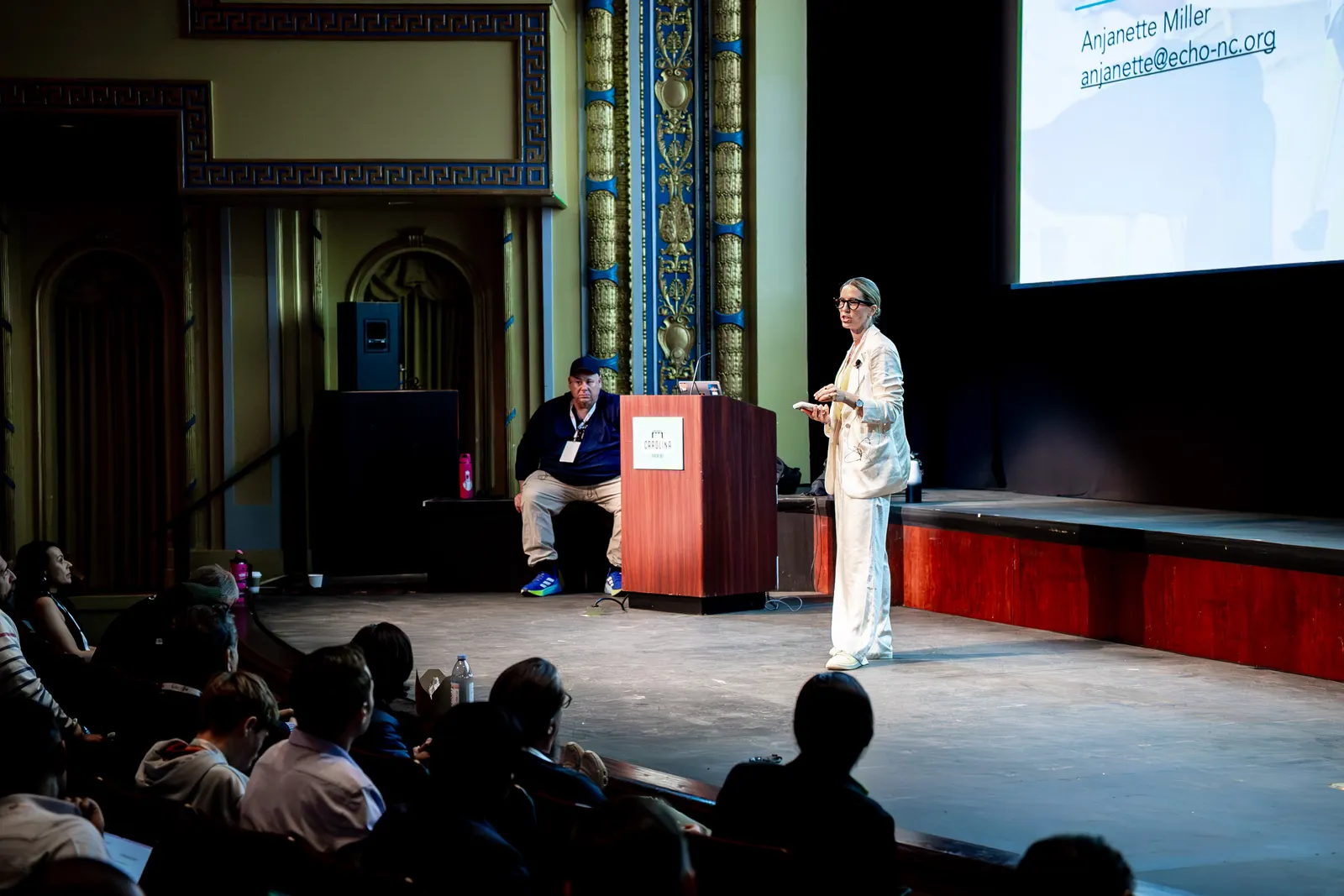
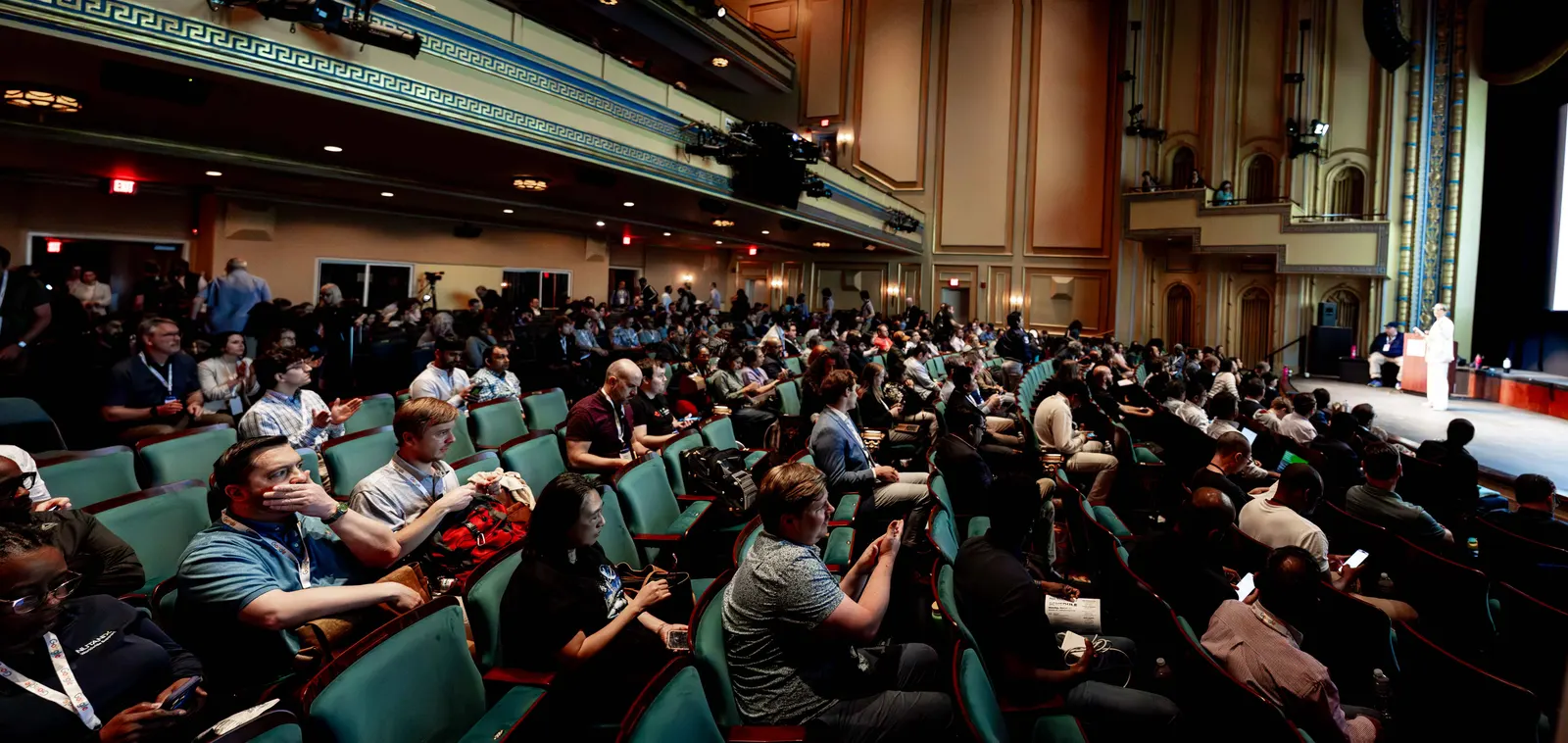
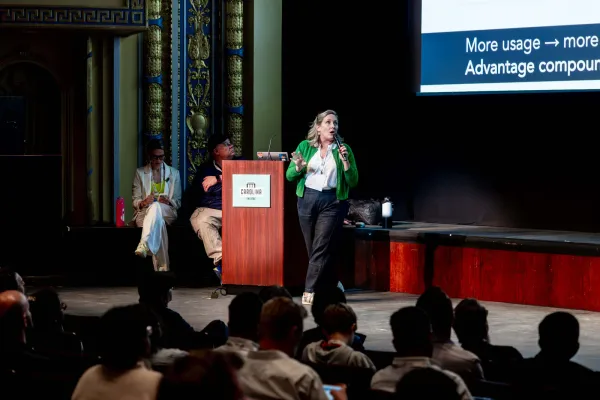
A big stage. A human connection.
You may be speaking to a whole theatre, but your idea still has to matter to one person at a time.
What structure can I use for a 25-minute keynote?
Here is a starting structure for a 25-minute session, including five minutes for questions. It is an editorial example, not a prescribed conference format. Confirm whether introductions and questions are included in your slot. Rehearse the transitions and pauses within these time blocks.
- 0–3 minutes: introduce a situation and the question that makes it matter.
- 3–6 minutes: establish the central idea and enough shared context to follow it.
- 6–14 minutes: develop one or two connected examples, including the evidence and limitations.
- 14–18 minutes: show what changes if the audience applies the idea.
- 18–23 minutes: take questions and help people connect the idea to their own situation.
- 23–25 minutes: return to the opening and give people a concrete next step.
If you cannot explain an example in the available time, simplify the argument or remove the example. Choose the part that most helps the audience understand.
How do I make a keynote inspiring and credible?
Connect possibility to work someone can actually attempt. Share the decision you faced, the evidence you gathered, and what you still do not know. A useful limit often makes the next experiment clearer.
An AI prediction, benchmark result, and personal observation are different kinds of statements. Label them. Put the source beside the claim and explain what was measured. If you show a demo, say what is live, what was prepared, and what would count as a failure.
Bring your enthusiasm into the explanation. Tell us what you want to explore next and why. The audience should have enough information to question your conclusion and enough curiosity to keep thinking.
Should keynote slides usually have light backgrounds?
Our starting recommendation is a soft light background, dark text, and generous space. It is a practical default to test, not a requirement for every keynote. Photographs, demos, and darkened rooms can call for a different treatment.
W3C’s presentation guidance makes the background choice conditional on the room. It suggests dark text on a light background in a light room, and the reverse in a darkened room. W3C: Making Events Accessible.
Check the actual projection or LED display with the production team. Read the smallest essential label from the farthest seat. The slide-design guide in this series explains contrast, glare, type size, and why computer-screen studies are not proof about every conference stage.
How do I end a keynote so people want to do something?
Resolve the question you opened with. Name the idea people can now use, then give them an achievable way to explore it. “Run this small comparison with your team” is easier to act on when you have explained the inputs, the check, and where to find the materials.
Prepare your final sentence. Rehearse reaching it even if you have to shorten the middle. If questions come before your closing, ask the moderator to return the floor to you for that final thought.
Before the talk, ask a rehearsal listener to tell you the central idea and the next step in their own words. If they cannot, that gives you a specific revision to make.
Research and sources
A coach for your own material
Make your next talk better
Bring what you have. These AI coaches help you see what is working, what could be stronger, and what to try next. Keep your voice. Find the format that serves your audience.
Conference Speaker Coach
Develop your idea, strengthen a submission, or improve an outline, slides, or rehearsal. Get specific feedback on clarity, credibility, audience connection, and delivery.
Download the coaching instructions and add them to a conversation with your AI assistant, along with your draft or the part you want help with. Ask it to follow the instructions. For an app that supports installable skills, use the skill ZIP instead.
Try asking: “Use this coach to critique my material. Help me educate, inspire, and connect with this audience. Explain the most useful improvements and offer examples in my voice. Ask me about anything important that is missing.”