Website beta

Help us test All Things AI.

We need beta testers. Explore the website and tell us what works, what breaks, and what feels confusing. Your feedback helps us improve the site before launch.

To make testing fun, we’ve hidden a Trick or Treat hunt around the site. Find the treats as you explore to unlock games in the All Things AI arcade.

What to test

  • Browse a few pages. Use the menu, search, and the links you find.
  • Try the site on a phone and on a desktop. Note wording that confuses you, or a layout that breaks.
  • Describe the steps, what you expected, and what happened.

For a longer list across the whole site, use the public beta checklist.

How to send feedback

  1. On the page you are testing, click or tap Report a bug at the bottom right. That attaches this page’s address, your screen size, and your browser.
  2. In Kind, choose Something is broken for a bug, or Feedback for a suggestion, confusing wording, or something that worked. Bugs also show How bad: Cosmetic is a visual issue, Annoying is awkward but usable, Blocks me means you cannot finish, and Site is down means the site is unavailable. Not sure is fine.
  3. In One line, write a short summary. In What happened, describe the steps, what you expected, and what occurred. Both are required.

    Example, not a real problem. One line: Mobile menu will not open. What happened: On my phone, I tapped Menu on the About page. I expected the navigation to open, but nothing happened.

  4. Your name (optional) and Email (optional) can be left blank. You do not need to type the page address, screen size, or browser again. If the problem is on a different page, put that address in What happened.
  5. Click Send report. Wait until you see Filed before you close it. Report another starts a new report, and Done closes this one. Open the issue appears only when a link is shown. If sending fails, read the error. What you typed stays put, so you can send it again.

Your finds

Checking this browser…

Your finds stay in this browser on this website. Keep using the same browser and site address while you test.

How the portrait hunt works

Nine circular portraits are hidden on different pages. These are the portrait Trick or Treat finds. Portraits are also called medallions. You do not need to recognize the person, and there is no quiz. Collect one by activating the hidden portrait on its page.

  1. 1. Pick a clue

    In Portrait clues below, click or tap a person’s name for a hint. Need the page? Open Reveal the page, then follow that page link. Opening a clue or visiting the page does not collect the portrait.

  2. 2. Find it and collect it

    On that page, look near the left or right edge for a small, faint circular face. On a desktop it brightens when you point at it. On a phone, tap it. With a keyboard, press Tab until the hidden medallion is highlighted, then press Enter.

    Claude Shannon

    Enlarged example

    Claude Shannon

    Actual-size example

    Look for a small, faint portrait like this on the linked page. On a desktop, point at the small example to see it brighten. These examples do not add to your collection.

  3. 3. See what opened

    Click or tap the real portrait to collect it. It disappears from that page, and you arrive at the arcade. Look for You found and Unlocked to see your portrait and new game, then choose its Play button. Use the Beta tester field guide link to return here. Your finds increases by one, and that portrait’s clue changes from Not yet to Found.

    Each portrait counts once. If it already says Found, you do not need to search again. It may have been collected on the site or in AI Steroids. Nine portraits plus your first catch of Neuro on the website make ten finds. The nine portraits alone do not open every game.

Portrait clues

Click or tap a person’s name to read their hint and see their portrait. Need help finding it? Choose Reveal the page, then open the page link. Found means you already collected it; Not yet means you still have it to find. Opening a clue does not collect a portrait.

  • Claude ShannonStatus loads with this browser

    A newsletter is a channel. He measured what gets through.

    Reveal the page

    Newsletter

    Claude Shannon

    Example of this portrait. Not a collectible.

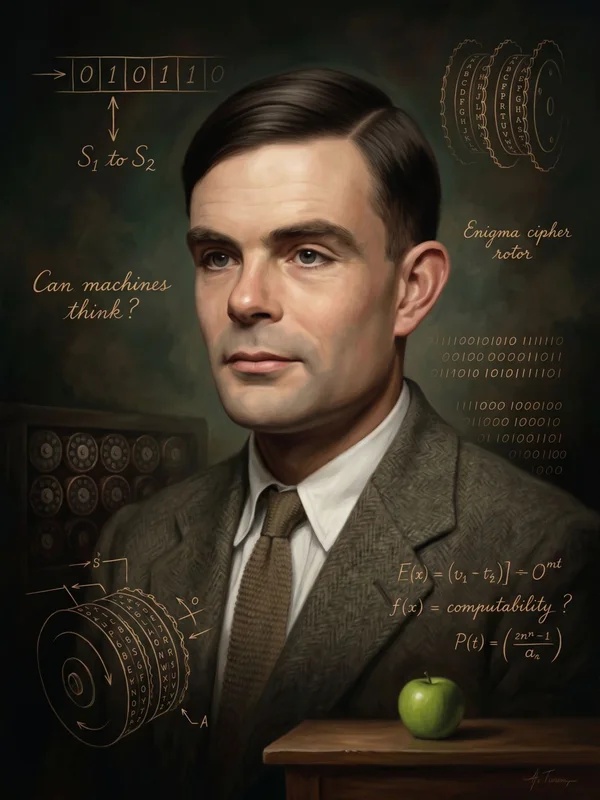
  • Alan TuringStatus loads with this browser

    Fluency is the imitation game, played from the other side.

    Reveal the page

    AI Fluency

    Alan Turing

    Example of this portrait. Not a collectible.

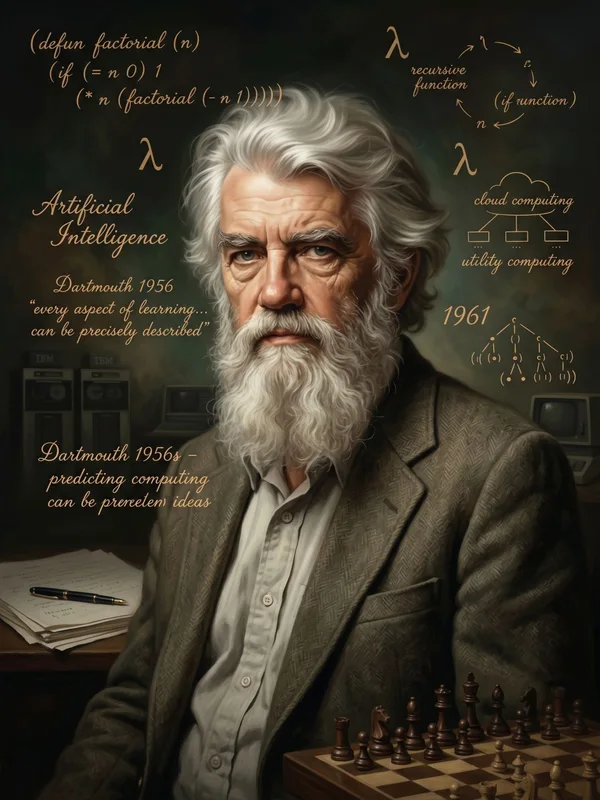
  • John McCarthyStatus loads with this browser

    He named the field at a workshop. This is ours.

    Reveal the page

    Conference

    John McCarthy

    Example of this portrait. Not a collectible.

  • Frank RosenblattStatus loads with this browser

    A perceptron learns from examples. So do people who show up.

    Reveal the page

    Events

    Frank Rosenblatt

    Example of this portrait. Not a collectible.

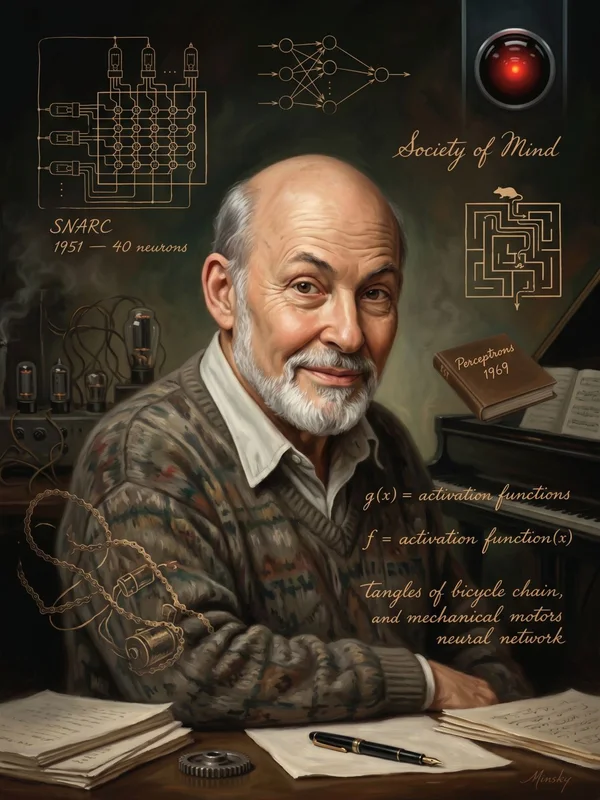
  • Marvin MinskyStatus loads with this browser

    A society of mind. A community is the same idea with people.

    Reveal the page

    About

    Marvin Minsky

    Example of this portrait. Not a collectible.

  • Joseph WeizenbaumStatus loads with this browser

    He wrote the warning about the future. It is worth reading before building it.

    Reveal the page

    Build the AI Future

    Joseph Weizenbaum

    Example of this portrait. Not a collectible.

  • Yann LeCunStatus loads with this browser

    Bell Labs was a place. So is the Triangle.

    Reveal the page

    Why the Triangle

    Yann LeCun

    Example of this portrait. Not a collectible.

  • Yoshua BengioStatus loads with this browser

    He stayed and built an institution. The industry runs on those.

    Reveal the page

    The AI Industry

    Yoshua Bengio

    Example of this portrait. Not a collectible.

  • Fei-Fei LiStatus loads with this browser

    She co-founded AI4ALL so more people could get in. So did we.

    Reveal the page

    AI Scholarships

    Fei-Fei Li

    Example of this portrait. Not a collectible.

Neuro is different

He is not one of the nine portraits, and he does not sit on a fixed page. On a first visit he shows up after a short wait on an ordinary page. Later he appears only sometimes, and not again for a few minutes. If your device prefers reduced motion, he stays still, and he still leaves. This card is not him. A medallion from AI Steroids does not replace catching him on the site.

Status: loads with this browser

Visit Home

Example. Not a collect button.

What opens

Promptle is already open. Each distinct find opens one more game, in this order. At 10 finds, all eleven arcade games are open.

  • Already openPromptle
  • Find 1AI Steroids
  • Find 2Flappy Brains
  • Find 3Brain Pong
  • Find 4Scaling Laws
  • Find 5Context Window
  • Find 6Neural Stack
  • Find 7Crossy Datacenter
  • Find 8Gone Phishing
  • Find 9Hallucination Hunt
  • Find 10Super AI

Check the hunt, too

  • Follow one clue and collect a real find.
  • Check that the count goes up by one and a new game is named.
  • Reload this page in the same browser and confirm the count stayed.
  • Try the same flow on a phone and on a desktop.
  • Tell us which instruction was confusing or which link broke.

Found a problem or have a suggestion? See how to send feedback.

Share this guide with another tester on the same site.

Questions

Why did a portrait disappear?

Clicking or tapping the real portrait collects it, so it leaves that page. The find stays in this browser on this website. The first time, Your finds goes up by one and the clue changes from Not yet to Found. You do not need to find that portrait again.

What counts as a find?

A pioneer portrait you have not collected yet, or catching Neuro on the website the first time. Repeats do not count. Ten finds open the arcade.

Do I need an account?

No. The hunt is free. Nothing to sign up for and nothing to pay.

Why does my count differ?

Staging, production, and Vercel previews each keep their own progress. A private window or cleared site data starts over. If this browser blocks storage, finds cannot be saved at all.

I missed Neuro

Leave this guide and open a normal page. On a first visit he shows up after a short wait. After that he appears only sometimes, and not again for a few minutes. He is not on every page. If you miss him, keep exploring and try again later. With reduced motion he stays still, and he still leaves.